

Approvals where people are. On iOS and Android.
Native apps for iPhone and Android that take the shape of the company and the role you sign into. A head of claims approves a settlement on the train with a passkey. A loss adjuster captures a claim on a roof with no signal. Every signature is kept with the time and the phone’s own proof.
Signed with the passkey on this phone. The time and the phone’s own proof are kept with your signature.
The same work, on a phone.
Conversations, mail and a claim’s facts follow people out of the office, with the same walls and rules as the desk.
Read and reply with one thumb
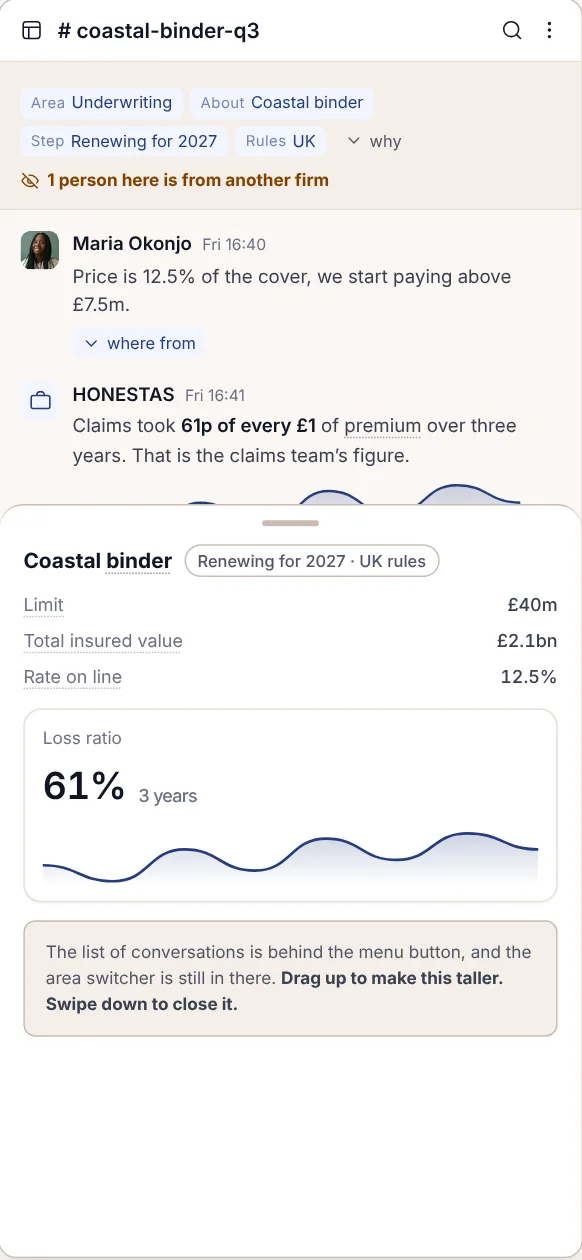
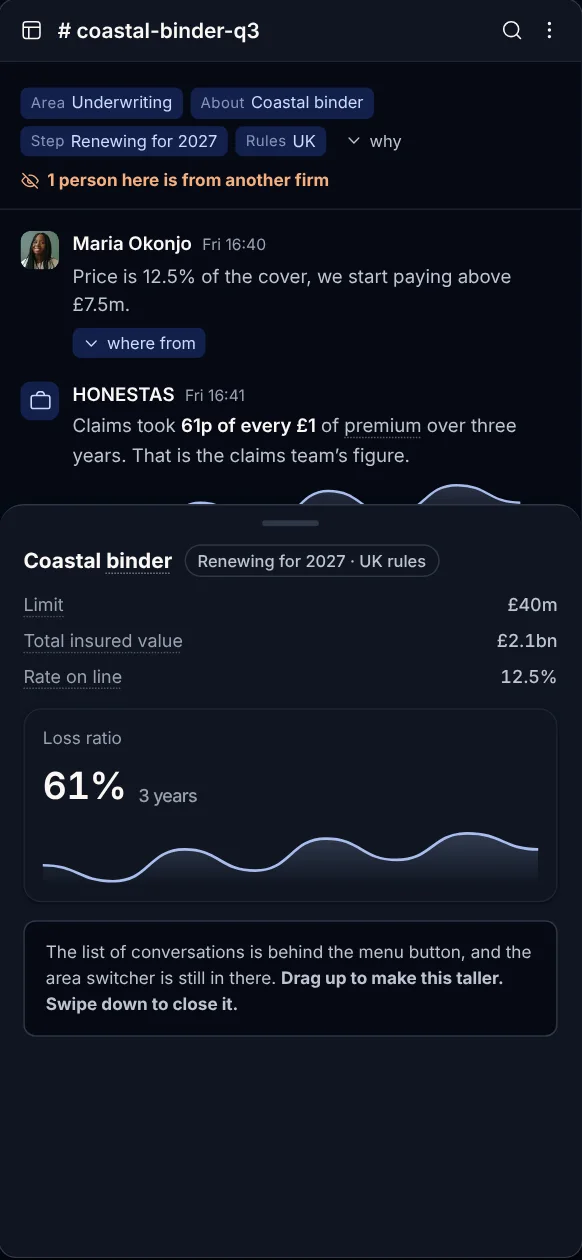
The conversation on a claim or binder, with the figures behind it one swipe away. A person from another firm in the thread is flagged at the top.
- The file stays with you
- The same walls as the desk
Check a claim between calls
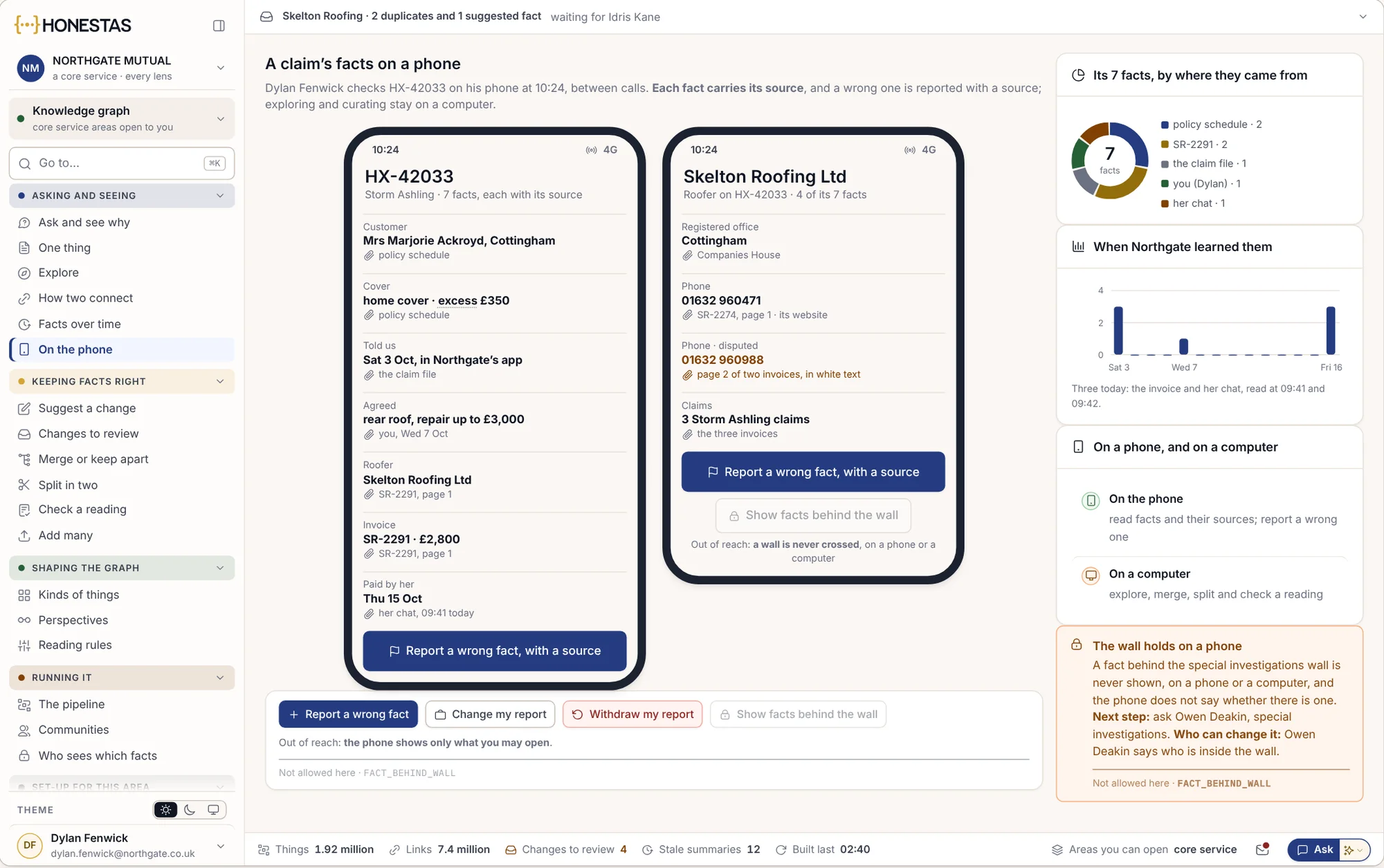
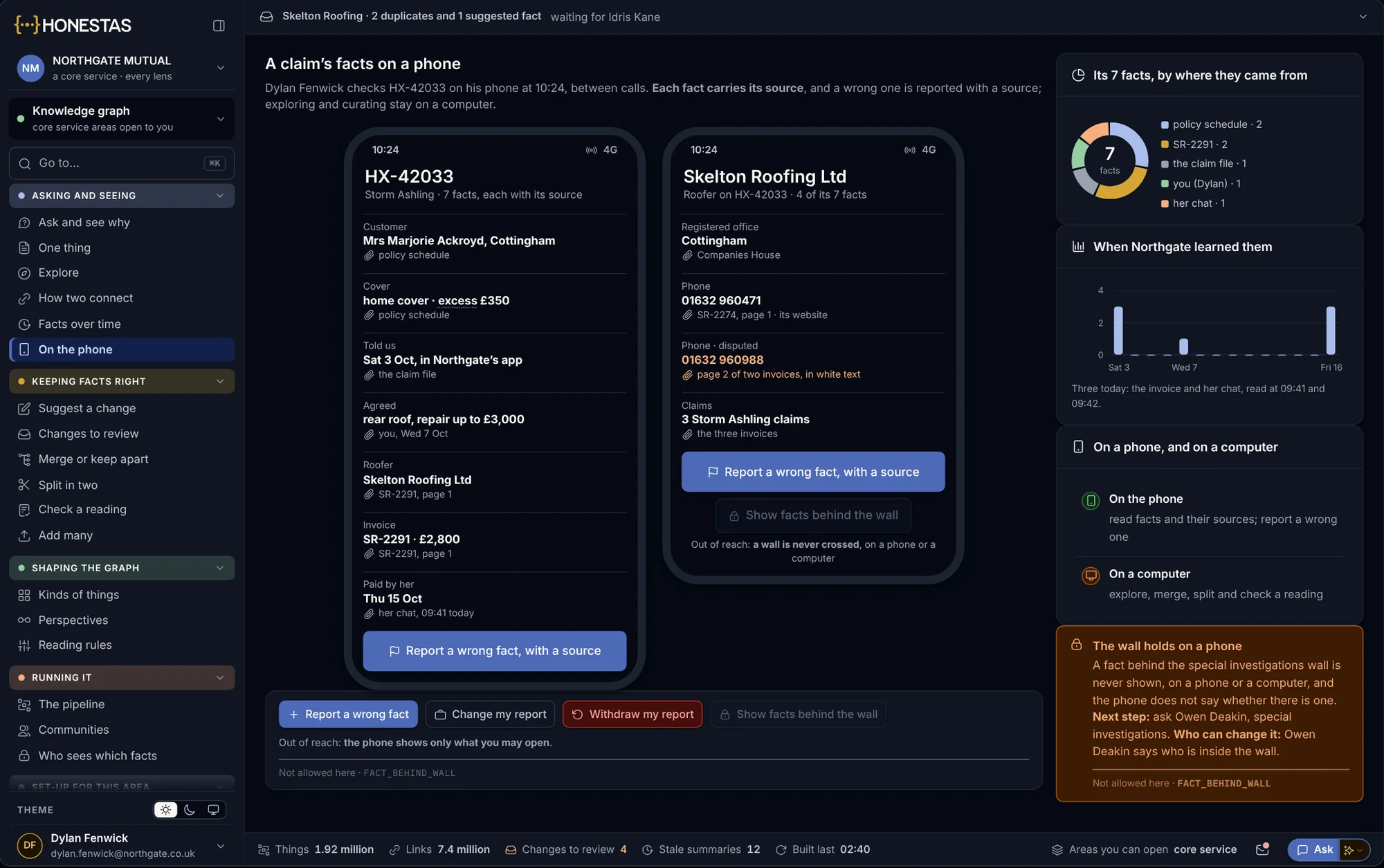
Every fact on a claim, each with its source. A wrong fact is reported from the phone with a source, and a wall holds on the phone as it does at the desk.
- Every fact with its source
- Behind a wall stays behind it
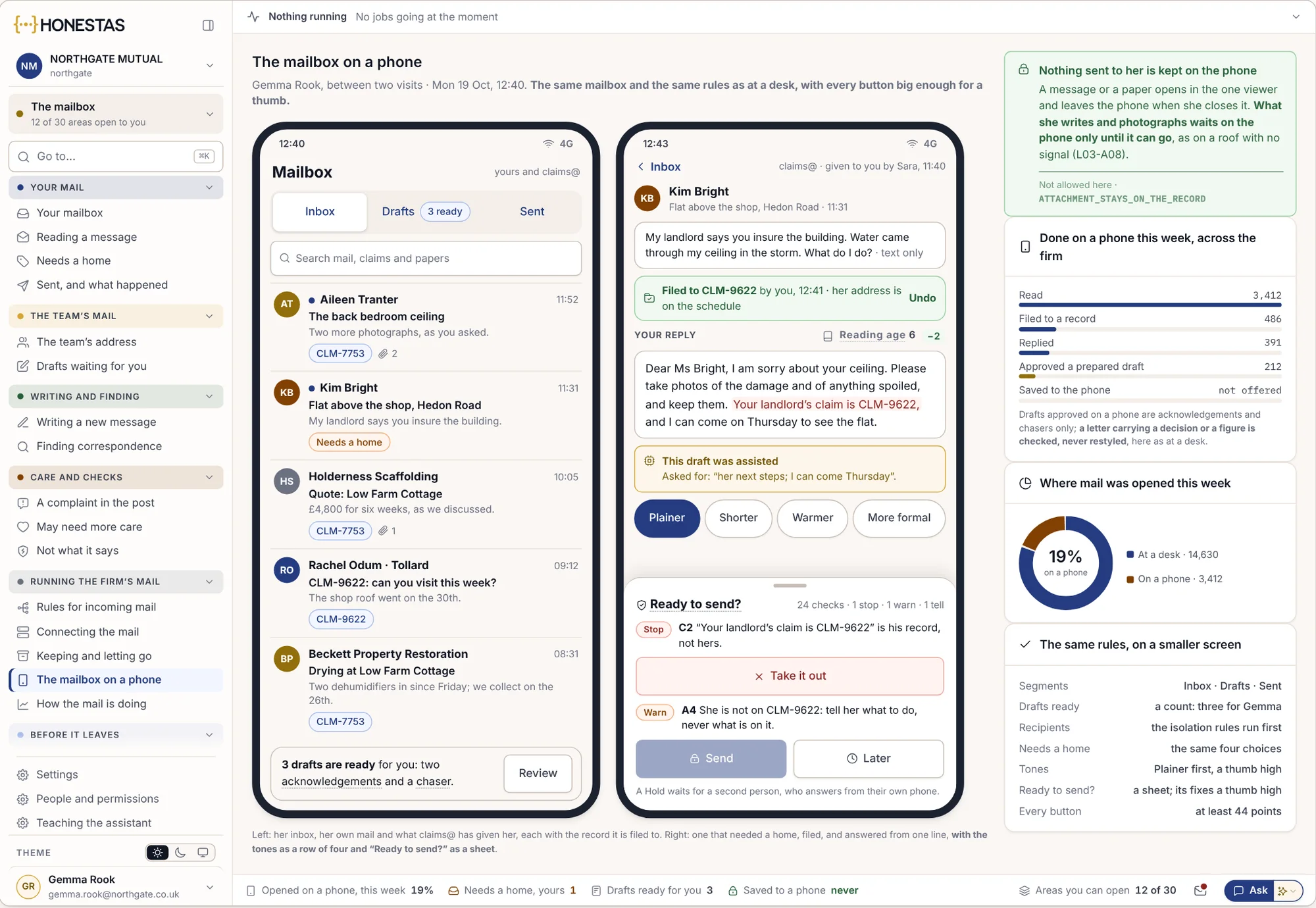
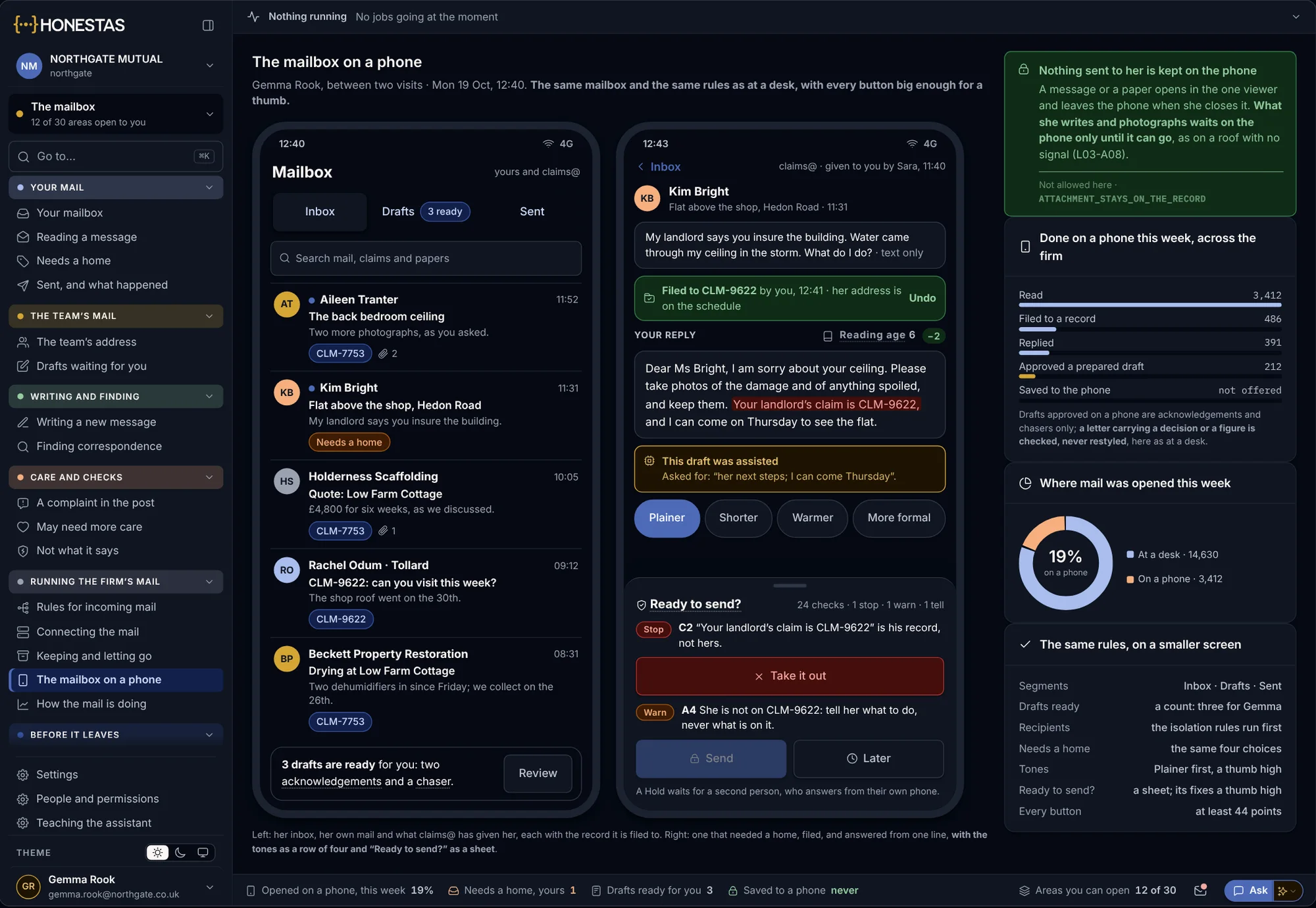
Mail between site visits
The mailbox on a phone: each message filed to its claim, drafts ready to approve, and the same checks before anything is sent.
- Filed to the claim from the phone
- Checked before it is sent
An app for your customers too
One app template, published under each broker’s own name and store account, for policies, documents and claims.
- One template, many brands
- Claims started in the app

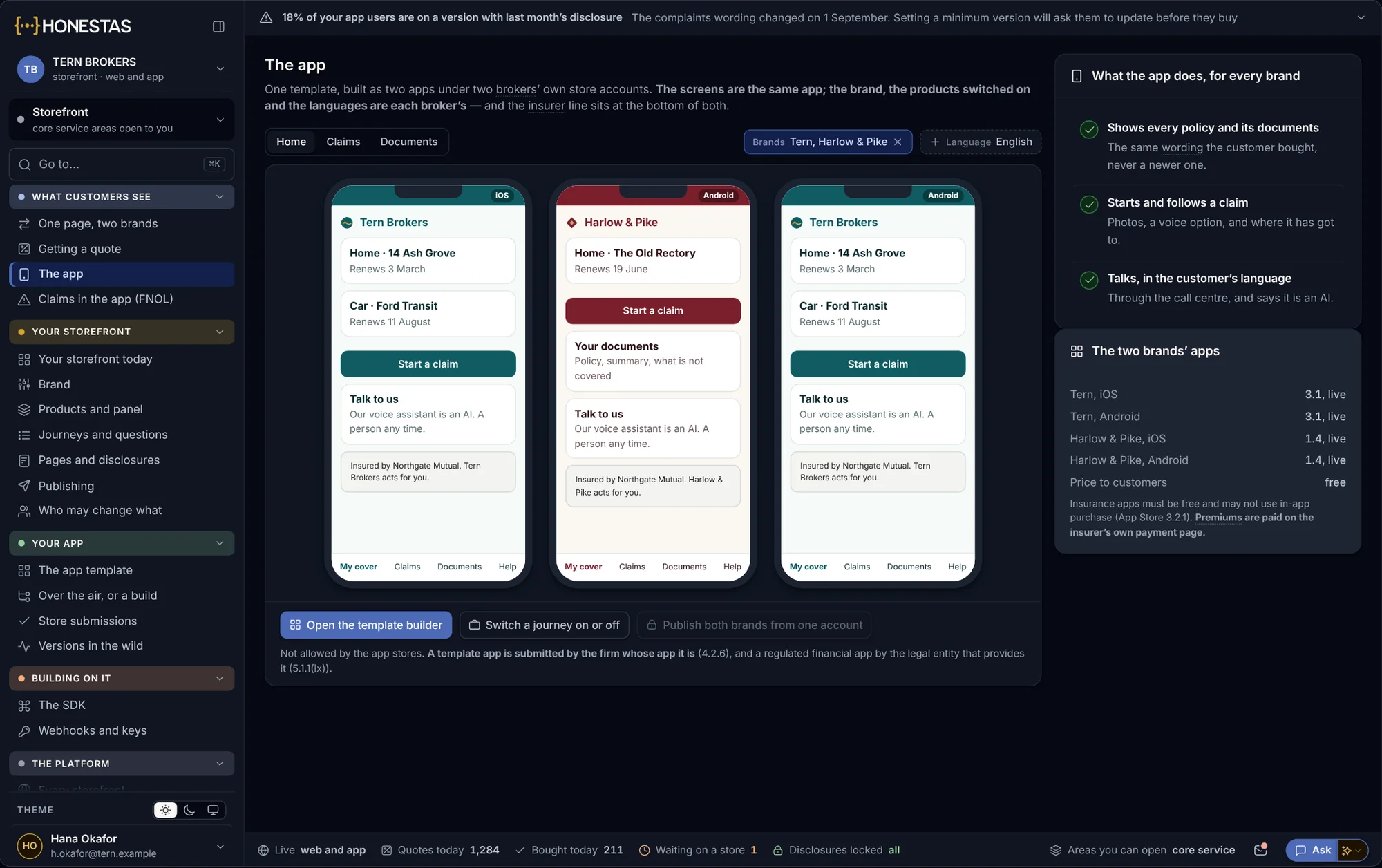
One app. Shaped by who signs in.
The app takes the name, rules and authority of the company you sign into, and shows the work your role does. A claims administrator sees each insurer it handles for, each with its own rules.
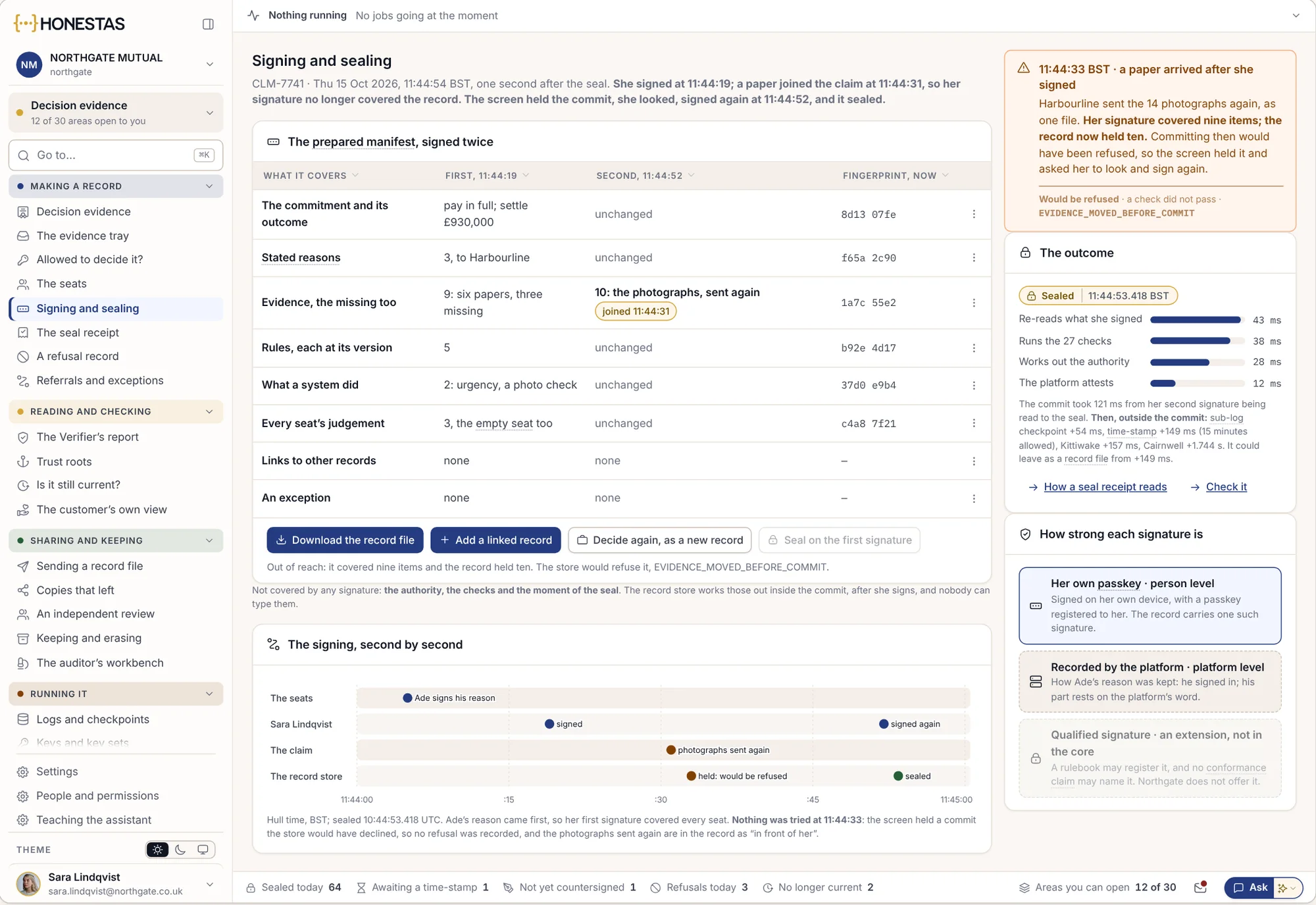
Signed on the phone. Sealed in the record.
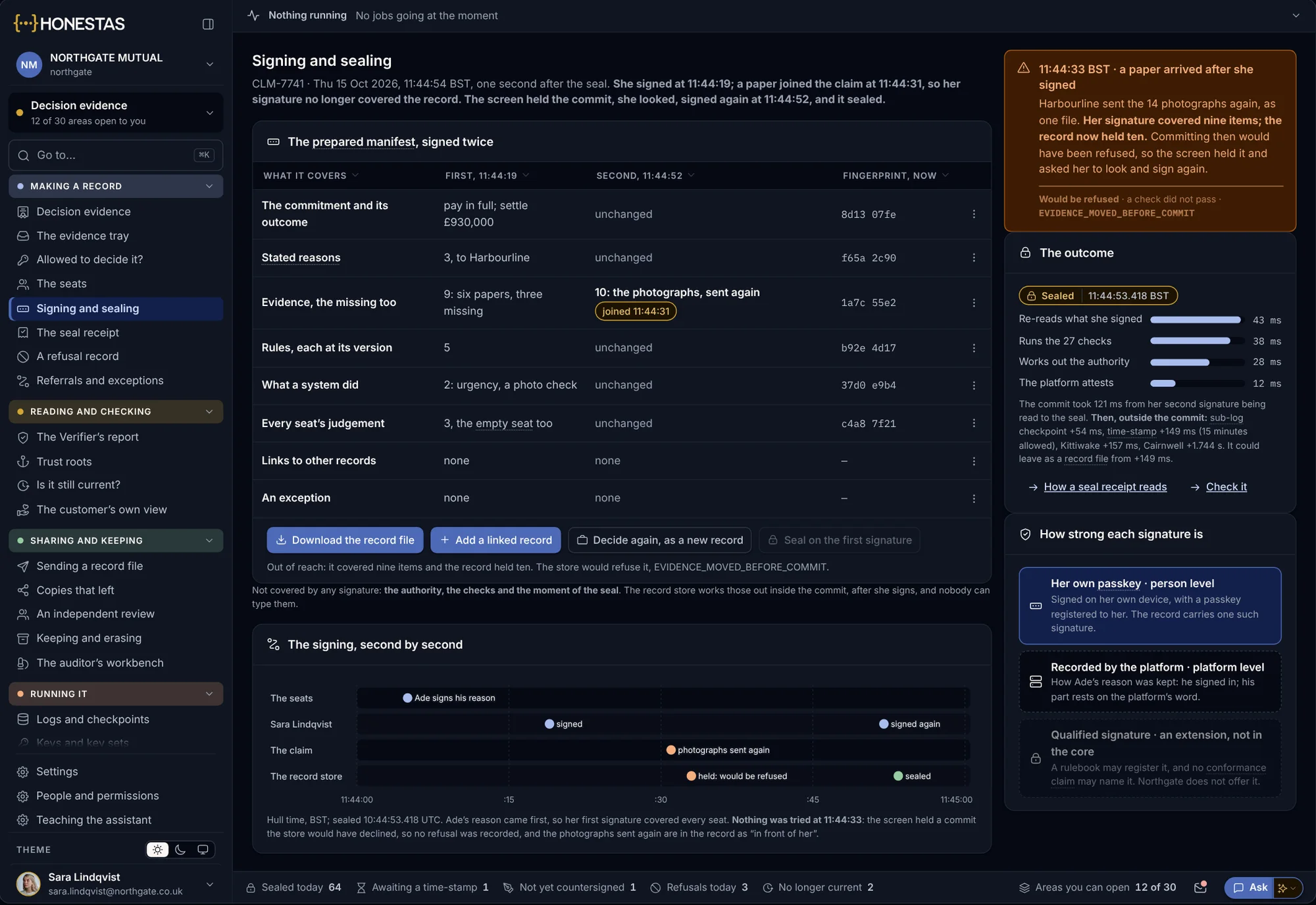
The app shows the checks that passed before it asks for a signature: the second model, the signer’s authority, the evidence. Then the person signs with the passkey on their own phone, using their face or fingerprint. If a paper arrives after they sign, the seal is held and they are asked to look again.
- The checks shown before the signature
- A passkey registered to the person, on their own phone
- The time and the phone’s own proof kept with the signature
- Held, not sealed, when the evidence moves
Capture a claim with no signal.
Photos, a measured area, the customer’s own account and the exact location, all captured on site. Everything is kept on the phone and sent, in order, when the phone can reach the claim again.
- Photos with their time and place
- Areas measured on an offline map
- Voice notes from the customer
- Sent in order when the signal returns
Nothing leaves the phone until it can reach the claim. Each item goes in the order it was taken.
About the mobile apps.
Which phones are supported?
Current iPhone and Android phones, through native apps. Older app versions are refused, with a message saying why.
Does the app work offline?
Capture does, and it is sent when the phone reconnects. Approvals need a connection, so they are checked and recorded at once.
What does a signature on the phone prove?
That a named person, using a passkey registered to them on their own phone, signed at that time, after seeing the checks that passed.
What if a phone is lost?
It is withdrawn in one step. It is signed out at once and its passkey can no longer sign anything.
Can we put our own name on it?
The staff app carries your company’s name and rules. For customers, the storefront app is published under your own brand and store account.
Go deeper
Put the decisions in their pockets.
We will set up the app for one team with you, with the approvals, capture steps and authority limits they work to.